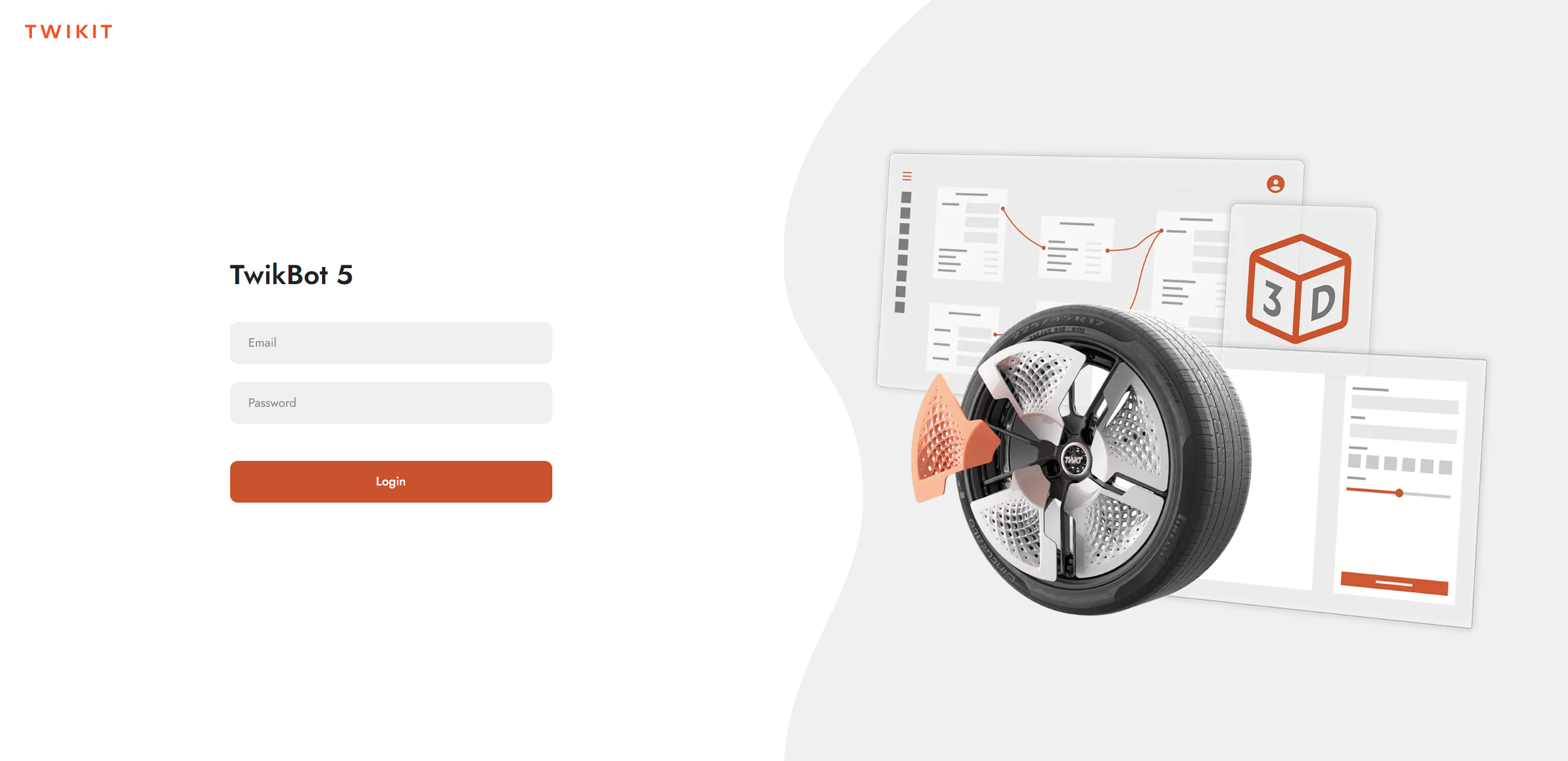
Login
Access the TwikBot platform at https://platform.twikit.com and enter the credentials provided by Twikit during User registration.
Multi-Factor Authentication (MFA)
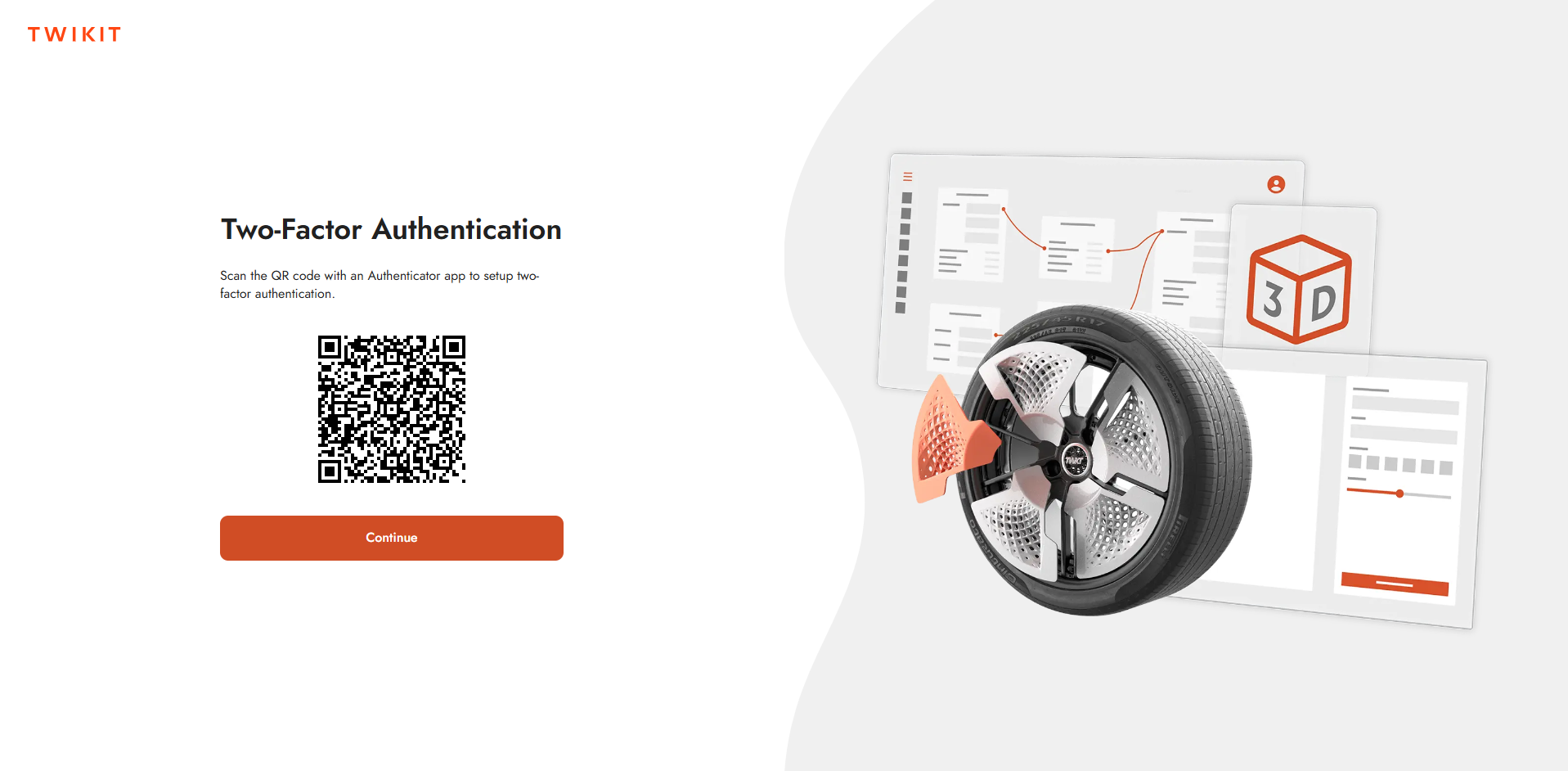
MFA is enabled by default on all TwikBot accounts. On first login you will be guided through a one-time setup using an authenticator app of your choice (e.g. Google Authenticator, Authy, or Microsoft Authenticator). Follow the on-screen instructions to link your account.
MFA is mandatory and cannot be disabled.
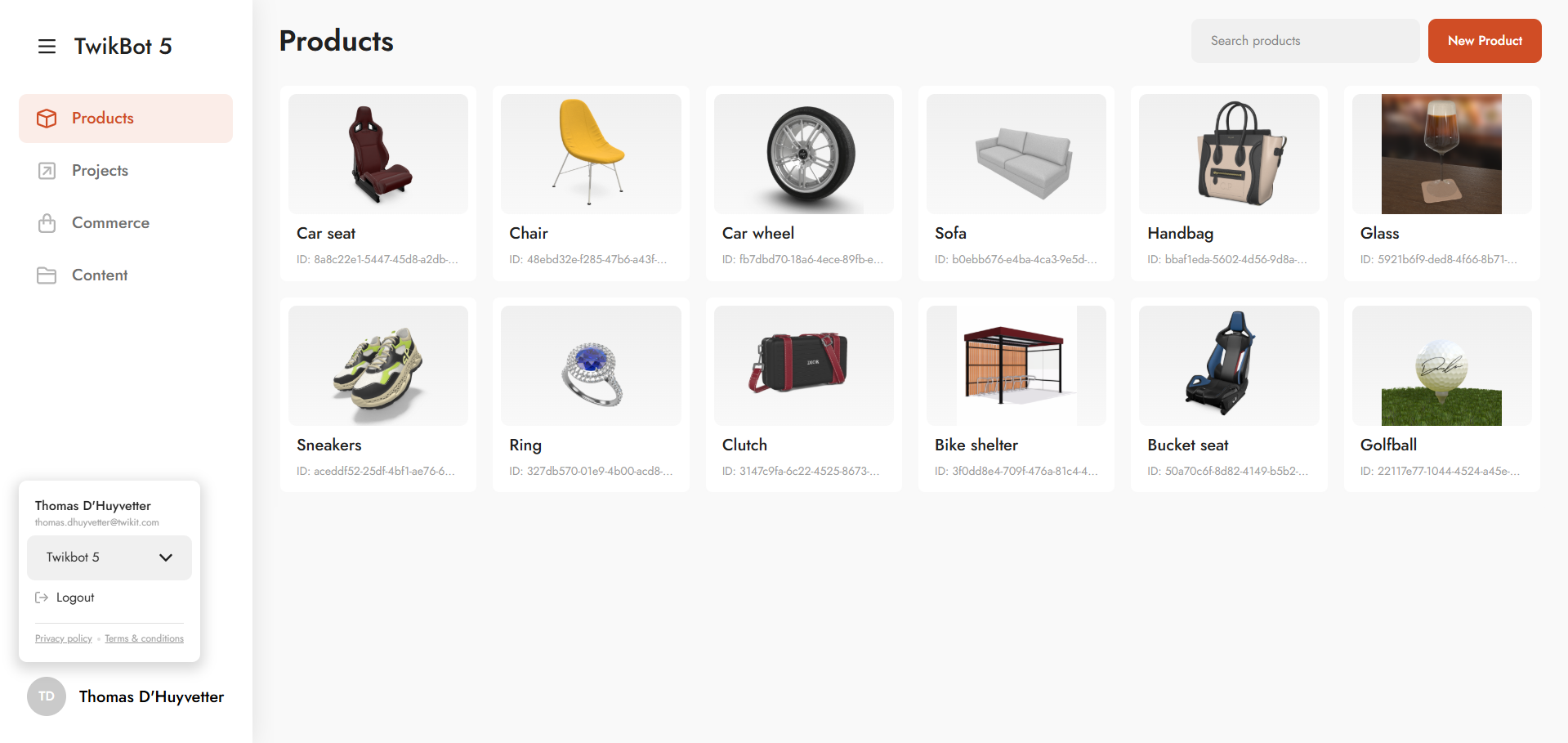
Logout
To log out, navigate to the account details area found at the bottom of the navigation menu.